PadBrain · guide
PadBrain guide
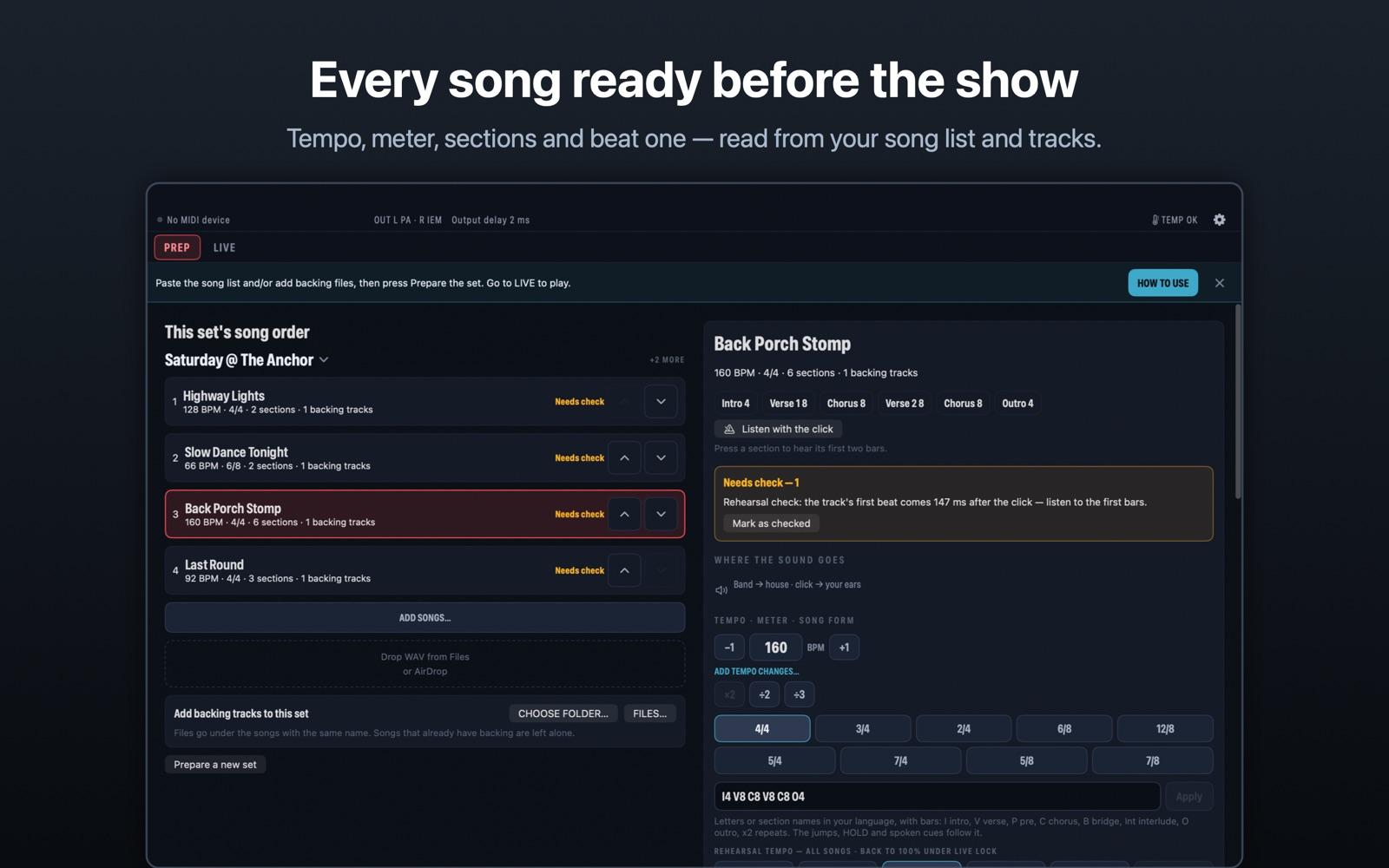
Step by step, from the first time you open the app to the stage, written so a new drummer can follow. Every step shows the real app screen.
New here? Read in this order
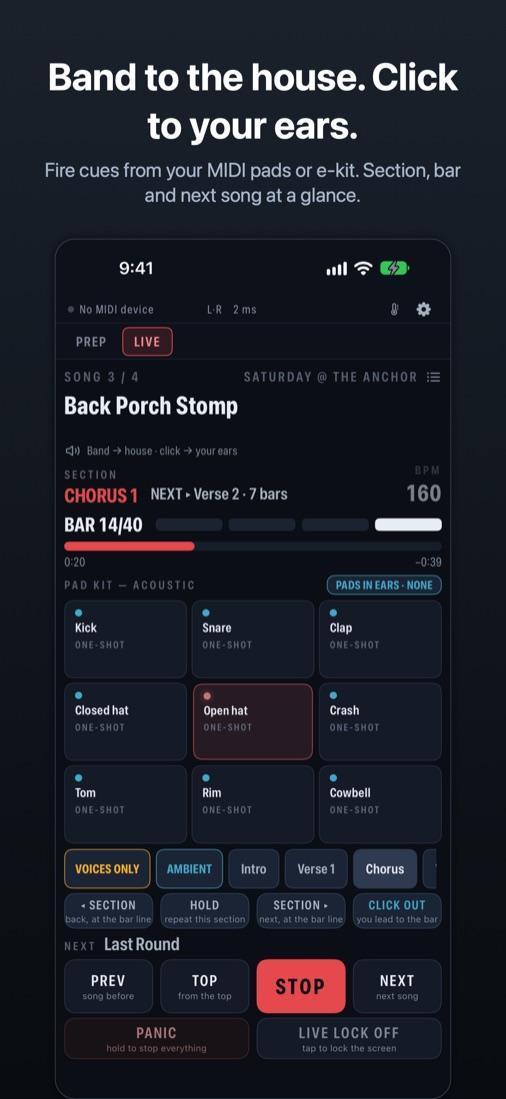
1. Getting started
What the app does, play the sample set, add your songs
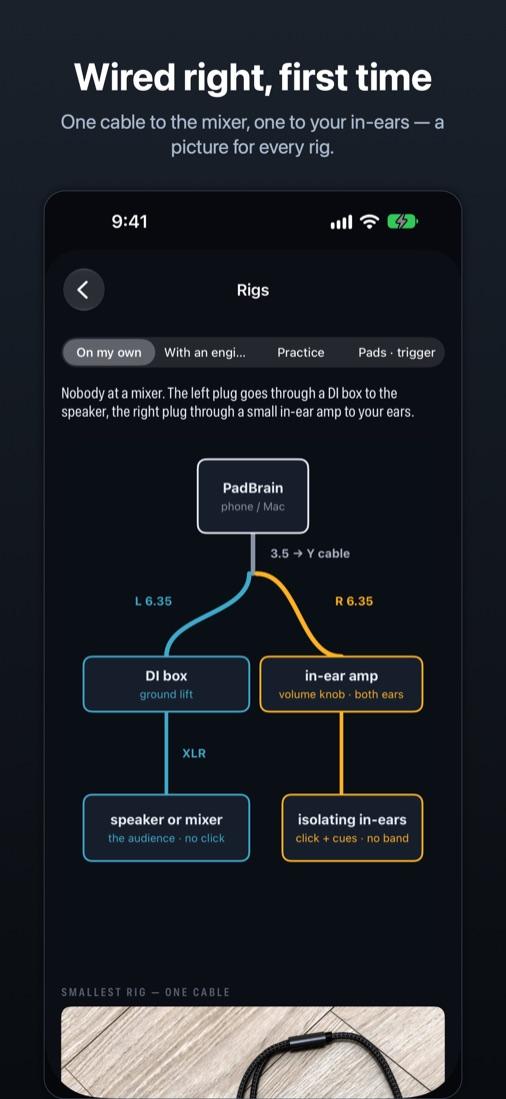
2. Splitting the sound and wiring
Tracks to the house, click to your ears — starting with one cable
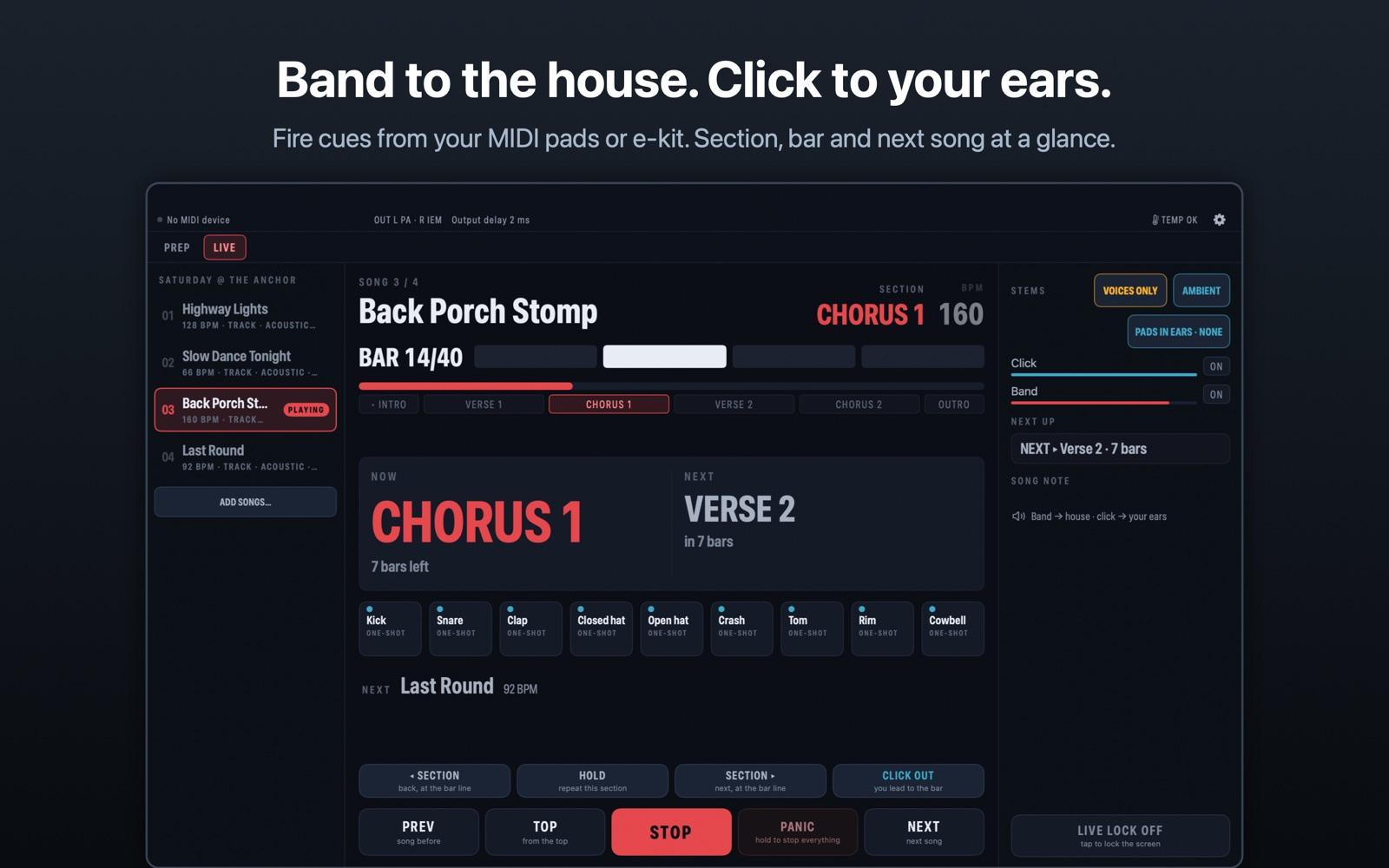
3. On stage
Starting a song, jumping sections, once more, when it goes wrong
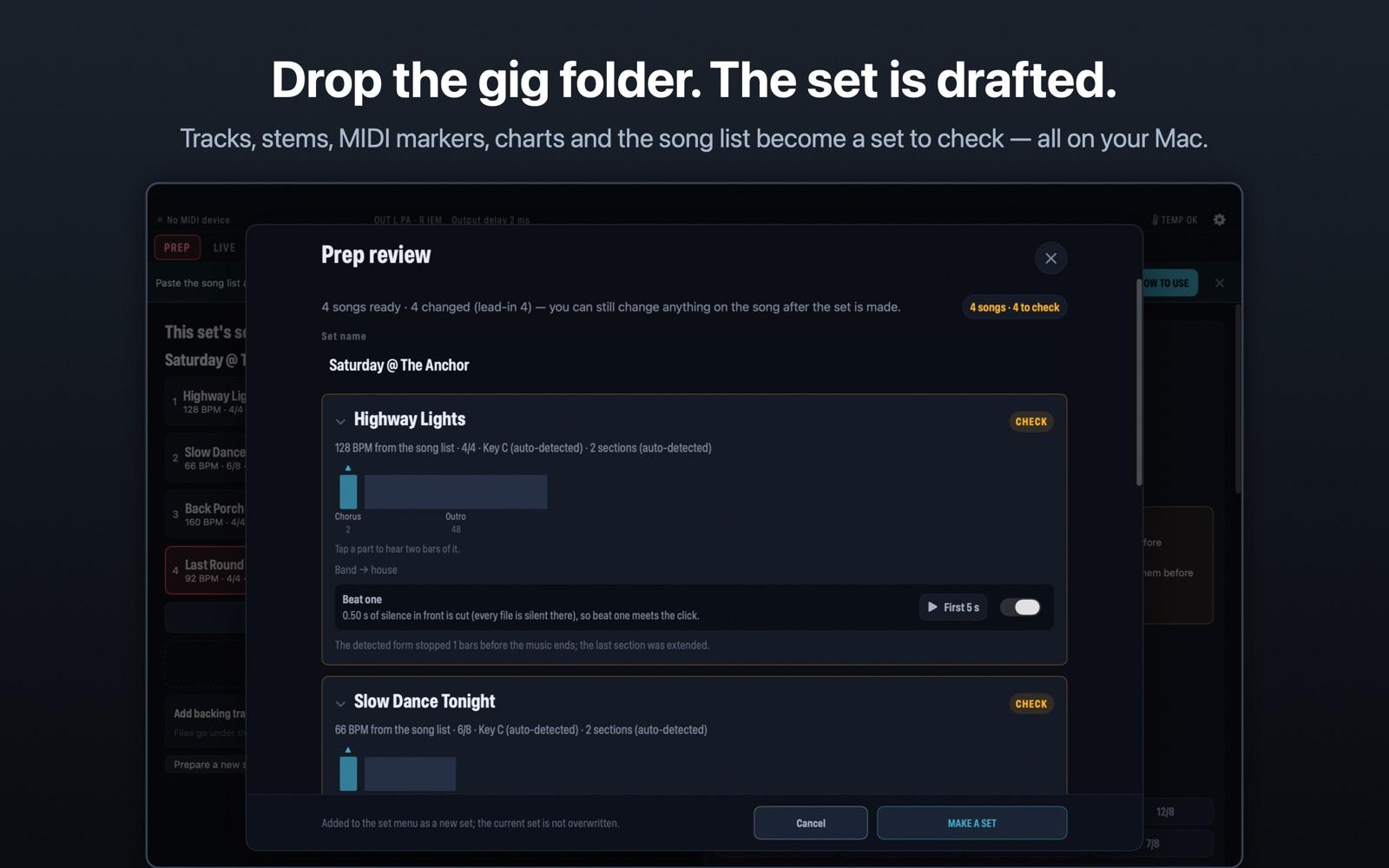
4. One-click prep — iPhone, iPad, Mac
Paste the song list, add the tracks, get a set
More
Every button
What each button does, screen by screen
Glossary
Click, in-ears, backing track, BPM… explained